# 9.2 Shared Parameters Plugin.
The Shared Parameters plugin is used to generate a shared parameters file in .txt format.
{% stepper %}
{% step %}
To launch the plugin, open the Qsee tab and select **Shared Parameters** from the **Asset Data panel**.
{% endstep %}
{% step %}
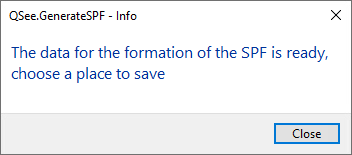
A notification confirming file readiness will then appear.
{% endstep %}
{% step %}
In the file explorer window, choose a folder for saving, specify the file name, and click **Save**.
{% endstep %}
{% step %}
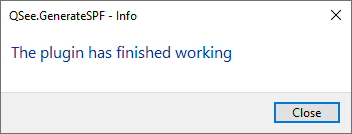
A completion notification is displayed after the process finishes.
{% endstep %}
{% endstepper %}