# 9.4 Add Family Parameters Plugin
The **Add Parameters** plugin is used to insert parameters from a shared parameter file into Revit families, based on a correspondence matrix between parameters and classification elements. To launch the plugin, open the Qsee tab on the **Asset Data** panel and select **Add Parameters**.
{% stepper %}
{% step %}
The plugin is launched by clicking the **Add Parameters** icon.
{% endstep %}
{% step %}
In the dialog box that appears, select the required classifier and click **OK**.
{% endstep %}
{% step %}
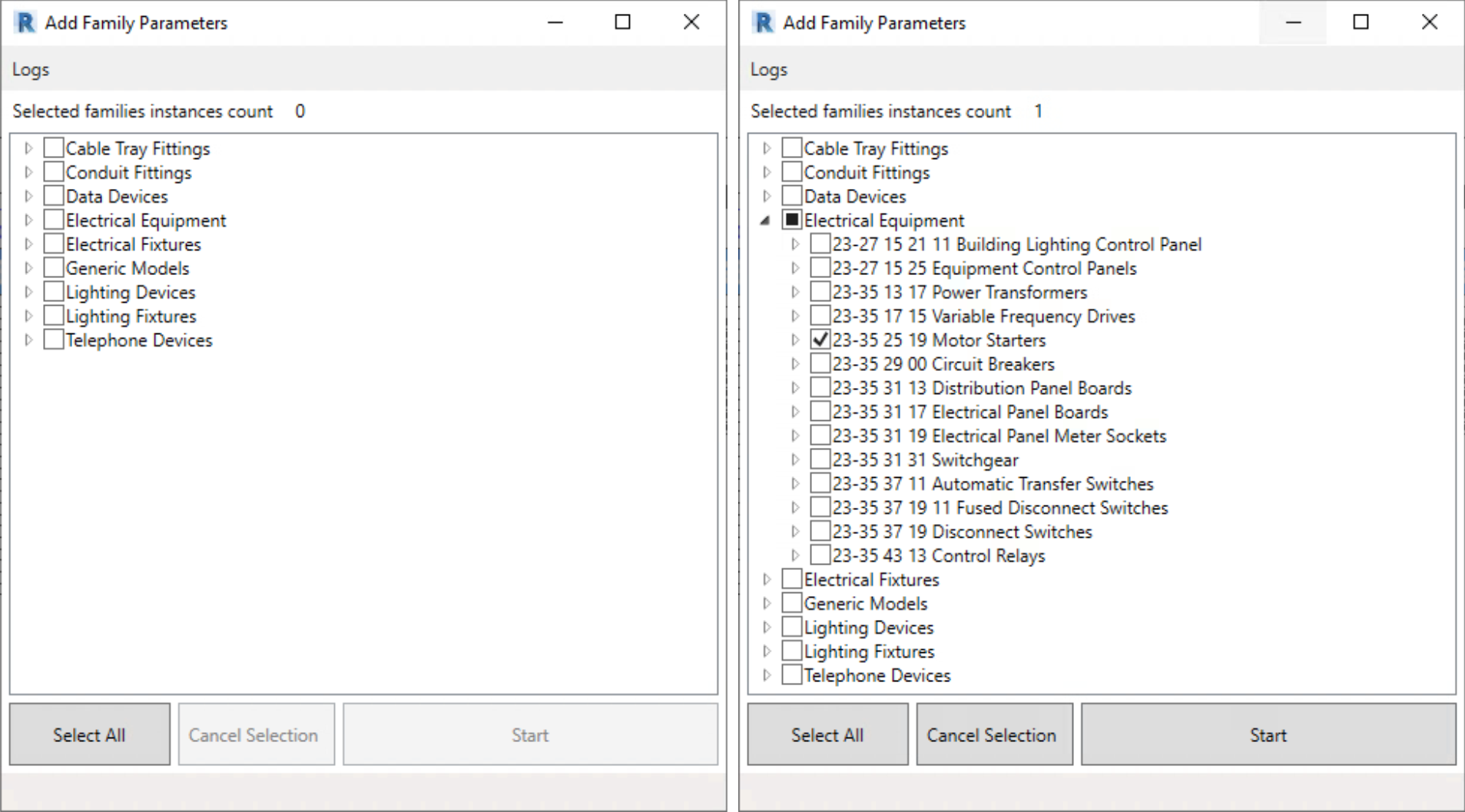
Next, a family selection window opens. Use **Select All** to choose all families, or manually select only the ones that need to be processed.
{% endstep %}
{% step %}
To cancel a selection, click **Cancel Selection**.
{% endstep %}
{% step %}
Once the families are selected, click **Start** at the bottom of the window to begin the operation.
{% endstep %}
{% step %}
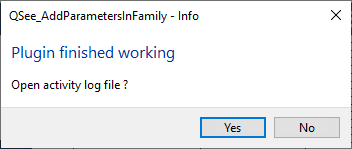
The execution time may vary depending on the number of selected families. Upon completion, a report is displayed summarizing the parameters added and any encountered issues.
{% endstep %}
{% endstepper %}
As a result, parameters are added to all selected families according to the parameter-to-classifier mapping table configured in Qsee.